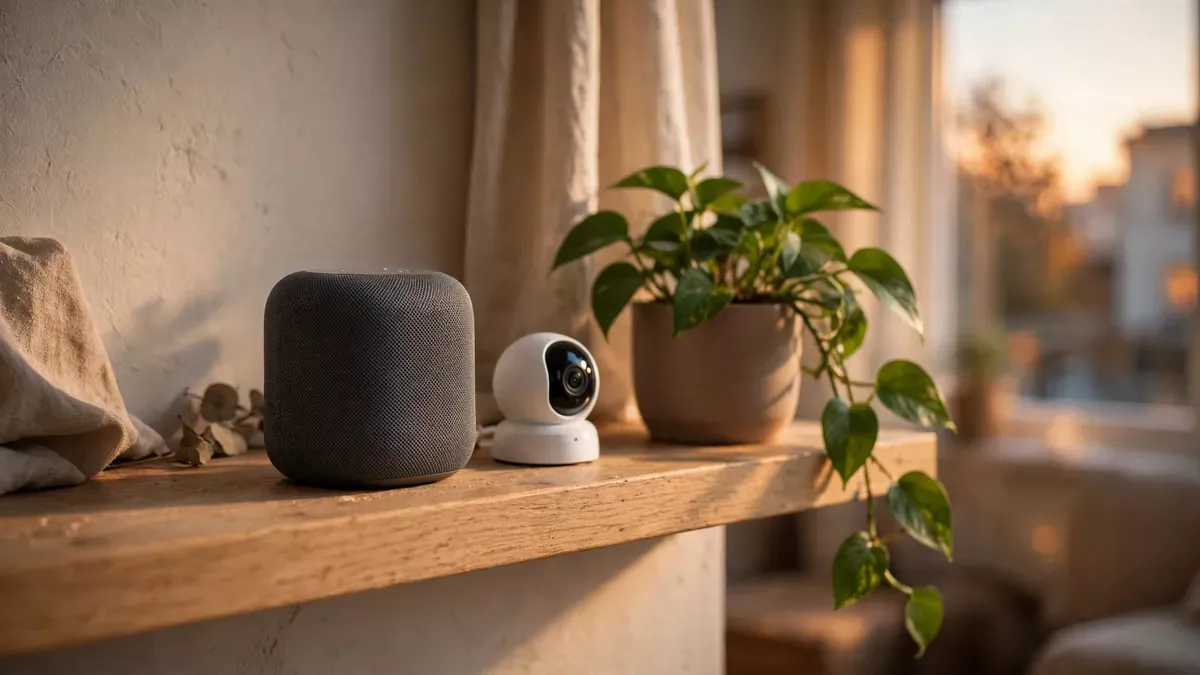
You buy a smart speaker for $30, a video doorbell for $100, and a couple of security cameras for $50 each. The hardware is cheap. Then the costs start arriving in ways that never appeared on the price tag: a few dollars a month per camera for cloud storage, a subscription for the doorbell’s recording history, and a small but constant draw of electricity from every device, all day and all night, whether you are using it or not.
The short answer is this: smart home devices cost more to run than you think because the hardware price is only the entry fee. Standby power, cloud subscriptions, and replacement cycles add up to a real annual cost that no single bill ever shows you.
Key Takeaways
- Smart home devices draw power continuously, even when idle. Researchers estimate that standby power accounts for roughly 5 to 10 percent of household electricity use.
- A single device drawing 5 watts around the clock uses about 44 kilowatt-hours per year. A house with 15 such devices uses more than 650 kilowatt-hours per year just keeping them plugged in.
- Many smart home devices require a monthly subscription for their most useful features, especially video recording and cloud storage.
- The true cost of a smart home is the hardware plus the electricity plus the subscriptions plus the eventual replacement, spread across years.
- You can cut the cost by auditing subscriptions once a year, using smart plugs to cut power to idle devices, and choosing devices with local storage options.
Table of Contents
Standby power: the cost you never see
Every device that is plugged in and connected to your Wi-Fi draws power, even when it appears to be off. A smart speaker is listening for its wake word. A security camera is watching and recording. A smart TV is waiting for a remote signal and checking for updates. A game console is downloading patches in the background. A phone charger draws a small amount even when no phone is attached.
This is called standby power, or vampire power, and it is the largest hidden cost of a smart home. A single device drawing 5 watts does not sound like much. But 5 watts, running 24 hours a day, 365 days a year, adds up to about 44 kilowatt-hours per year. At a typical US residential electricity price of around 17 cents per kilowatt-hour, that is roughly $7.50 per year, for one device, doing nothing you asked it to do.
The problem is the number of devices. A typical connected home has a router, a modem, one or two smart speakers, a smart TV, a video doorbell, two or three security cameras, a smart thermostat, a few smart plugs or light bulbs, a game console, and several chargers. That is easily 15 to 20 devices, each drawing between 1 and 15 watts continuously. At 5 watts each, 15 devices cost more than $110 per year in standby power alone.
Researchers at Lawrence Berkeley National Laboratory have estimated that standby power accounts for roughly 5 to 10 percent of residential electricity use in the United States. The exact share depends on how many devices you own and how efficient they are, but the direction is clear: the more connected your home becomes, the larger the share of your electricity bill that goes to devices sitting idle.
The router deserves special mention. It runs 24 hours a day, every day, because your entire smart home depends on it. A typical home router draws 5 to 15 watts, which means $7 to $22 per year just to keep the internet on. Add a modem, a mesh Wi-Fi system with two or three nodes, and a smart home hub, and the networking equipment alone can cost $30 to $50 per year in electricity.
Subscriptions: the cost that keeps growing
The second hidden cost is subscriptions. Many smart home devices are sold at or near cost, with the real money made from monthly services. The pattern is consistent across the industry: the hardware gets you in the door, and the subscription keeps the revenue coming.
Security cameras are the clearest example. A camera may cost $50, but storing video in the cloud costs $3 to $10 per month, per camera. With three cameras, that is $108 to $360 per year, every year, for as long as you own them. Without the subscription, many cameras offer only live viewing, or store only a few seconds of clips, or store nothing at all. The feature you bought the camera for, the ability to review what happened, is the feature that requires the subscription.
Video doorbells follow the same model. The doorbell itself is a one-time purchase. The recording history, the motion alerts with video clips, and the package detection are subscription features. A doorbell without a subscription is a doorbell that rings. A doorbell with a subscription is a security camera.
Smart security systems add another layer. A monitored alarm system costs $10 to $30 per month, on top of the hardware. Some systems offer a self-monitoring option for less, but the full service, with professional monitoring and emergency dispatch, is a monthly cost that never ends.
Smart speakers and displays are less subscription-heavy, but they are not free either. The music services, video services, and smart home integrations they connect to are often paid subscriptions. The speaker is a gateway to services that cost money every month.
The subscriptions add up quietly, because each one is small and each one is billed separately. A $4 camera plan, a $10 doorbell plan, a $15 security plan, and a $12 music plan total $41 per month, or nearly $500 per year. Most people do not add them up, because no single statement shows the total.
Replacement cycles and the upgrade treadmill
The third hidden cost is replacement. Smart home devices do not last as long as the dumb devices they replace. A regular doorbell lasts decades. A video doorbell lasts as long as its battery, its software support, and its manufacturer’s business model. A regular light switch lasts the life of the house. A smart bulb lasts a few years before it fails or becomes incompatible with a new hub.
Manufacturers discontinue products, stop providing software updates, and shut down the cloud services that the devices depend on. When a company is acquired or goes out of business, its devices may stop working entirely, or lose their smart features and become ordinary devices. This has happened to several well-known smart home brands, leaving owners with expensive hardware that no longer does what they bought it for.
The replacement cycle is also driven by protocol changes. Smart home standards have evolved rapidly, from proprietary systems to Zigbee and Z-Wave to the newer Matter standard. A device bought five years ago may not work with a hub bought today, and the fix is to replace the device.
The practical result is that a smart home is not a one-time purchase. It is an ongoing expense, with devices replaced every few years, subscriptions billed every month, and electricity drawn every hour.
How to measure what your smart home actually costs
The first step to cutting the cost is measuring it. Most people have no idea what their smart home costs, because the costs are spread across the electricity bill, several subscription statements, and occasional hardware purchases.
Start with the subscriptions. List every smart home subscription you pay for: camera storage, doorbell recording, security monitoring, music, and any other service connected to a device. Add up the monthly total and multiply by 12. The annual number is often surprising.
Next, estimate the electricity. A plug-in energy monitor, which costs around $15 to $30, measures the actual power draw of any device you plug into it. Leave it connected for a day or two, and it will show you the device’s real consumption, including standby draw. Measure your biggest suspects: the TV, the game console, the router, the smart speakers, and the cameras.
You can also estimate from the label. Most devices list their power consumption in watts on the back or in the manual. Multiply the watts by 8,760 (the number of hours in a year) and divide by 1,000 to get kilowatt-hours per year. Multiply by your electricity rate, which appears on your bill, to get the annual cost.
What you can do about it
The most effective step is the subscription audit. Once a year, review every smart home subscription and ask whether you still use the feature it pays for. Cancel the ones you do not need. If you have three cameras on individual plans, check whether the manufacturer offers a multi-camera plan that costs less. If a device offers local storage, a memory card or a local hub, consider switching to it and cancelling the cloud plan.
For electricity, smart plugs can help, but use them carefully. A smart plug can cut power to a device when you are not using it, which eliminates its standby draw. This works well for TVs, game consoles, and chargers. It does not work for devices that need to stay on, such as security cameras, doorbells, and routers. Cutting power to a camera defeats its purpose.
Choose devices with local storage when you buy new ones. A camera that records to a memory card or a local hub does not need a cloud subscription. A smart home hub that processes commands locally does not depend on a company’s servers. Local processing is also faster and more private than cloud processing.
When buying new devices, consider the total cost, not just the hardware price. A $50 camera with a $5 monthly subscription costs $110 in the first year and $60 every year after. A $100 camera with local storage costs $100 once. The cheaper camera is more expensive within two years.
Finally, resist the urge to add devices you do not need. Every device adds standby power, another potential subscription, and another thing to replace. A smart home with five devices you use every day is better, and cheaper, than a smart home with twenty devices you forgot about.
Frequently asked questions
How much does a smart speaker cost to run? A smart speaker draws roughly 2 to 4 watts when idle, which costs about $3 to $6 per year in electricity. The speaker itself is cheap to run. The cost comes from the services it connects to, such as music and video subscriptions.
Is it worth paying for camera cloud storage? It depends on what you need. Cloud storage protects your recordings if the camera is stolen or damaged, and it lets you review footage from anywhere. Local storage is cheaper and more private, but the recordings are lost if the camera or the storage device is taken. Many people use a mix: local storage for everyday recording, cloud storage for one or two critical cameras.
Do smart plugs save money? They can, if used to cut power to devices with high standby draw, such as TVs and game consoles. But the smart plug itself draws 1 to 2 watts continuously, so the savings depend on the device it controls. A smart plug on a device that draws 10 watts in standby saves money. A smart plug on a device that draws 1 watt does not.
Why do smart home companies charge subscriptions? Cloud storage, video processing, and remote access cost the company money to operate. The subscription covers those ongoing costs. It also provides the company with recurring revenue, which is more valuable than a one-time hardware sale. The business model is the same as software: the product is the service, and the hardware is the way in.
Should I avoid smart home devices entirely? Not necessarily. Smart home devices provide real convenience and security. The point is not to avoid them, but to buy them with open eyes: know the subscription cost, know the standby power draw, and choose devices with local options where they exist. A smart home you understand is a smart home you control.
Sources and further reading
- US Department of Energy: energy.gov: standby power, home energy use, and how to reduce electricity waste.
- Federal Trade Commission: consumer.ftc.gov: smart home privacy, security, and what to know before you buy.
- Federal Communications Commission: fcc.gov: connected devices, broadband, and the infrastructure behind the smart home.
For more on how the internet connects your devices, see how the internet and your devices work, and for how your house itself uses energy, how your home works. The money side of subscriptions adds up too, as our guide to how money works in America explains, and our Tech & Security section covers more of it.
This article is for general educational and informational purposes only and is not financial, legal, insurance, tax, or medical advice. Always consult a qualified professional regarding your specific situation.