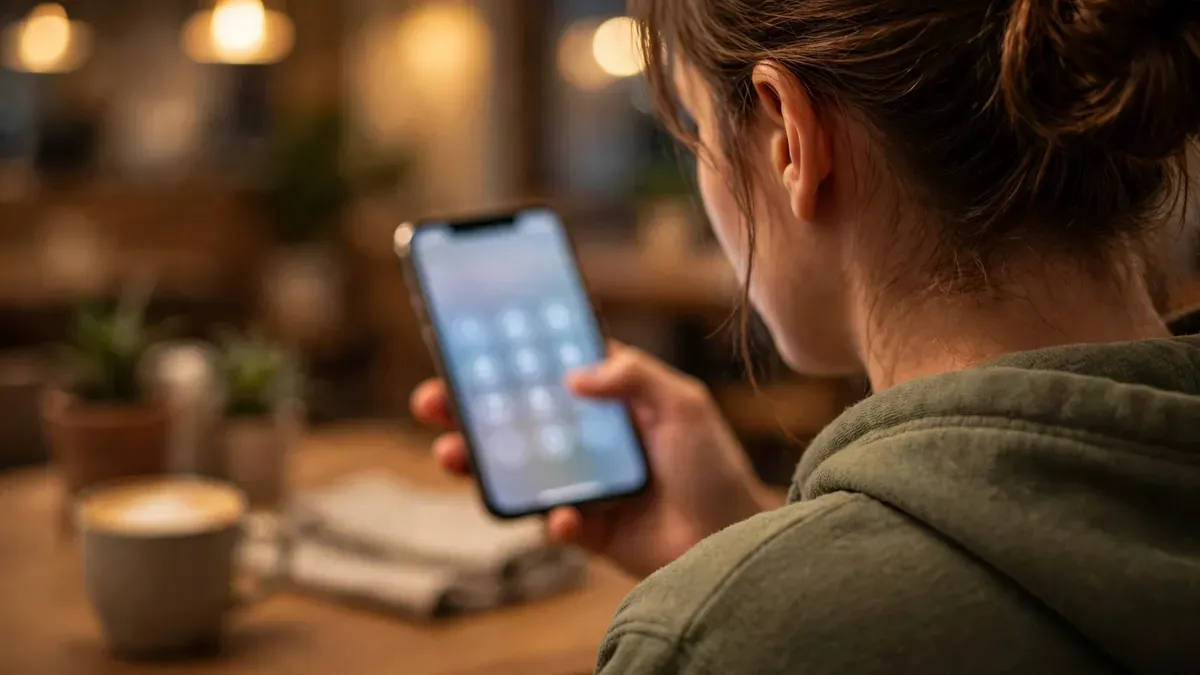
You type your password. The site asks for a six-digit code. You open an app on your phone, read the code, type it in, and you are in. That extra step, which takes about ten seconds, is one of the most effective security measures available to ordinary people. It is called two-factor authentication, and it can be the difference between a minor inconvenience and a stolen identity.
Yet most people do not use it. Surveys consistently find that fewer than half of internet users have enabled two-factor authentication on their important accounts, even though it is free, widely available, and takes only a few minutes to set up.
The short answer is this: two-factor authentication (2FA) requires two different types of evidence to prove your identity: something you know (your password) and something you have (your phone, a security key) or something you are (your fingerprint or face). Even if an attacker steals your password, they cannot access your account without the second factor. Microsoft has stated that multi-factor authentication can block over 99.9 percent of account compromise attacks.
Key Takeaways
- Two-factor authentication requires two of three types of evidence: something you know (password), something you have (phone, security key), or something you are (fingerprint, face).
- The four main types of second factor, ranked from strongest to weakest, are: hardware security keys, authenticator apps, push notifications, and SMS text codes. All four are vastly better than no second factor at all.
- Passwords alone are not enough because they are frequently stolen in data breaches, reused across many sites, and vulnerable to phishing. A stolen password is useless to an attacker if the account also requires a second factor.
- SMS codes are the weakest form of 2FA because they are vulnerable to SIM swapping, in which an attacker convinces a mobile carrier to transfer your phone number to a SIM card they control. Authenticator apps and security keys are not vulnerable to this attack.
- Set up 2FA on your email account first, because email is the key to resetting the passwords of almost all your other accounts. Then set it up on banking, financial, and social media accounts.
- Save your backup codes in a safe place. If you lose your phone or your authenticator app without backup codes, you may be permanently locked out of your account.
Table of Contents
The three factors
Authentication is the process of proving that you are who you claim to be. Traditionally, this has been done with a single factor: a password, which is something you know. The problem with a single factor is that if it is compromised, the account is compromised. There is no backup.
Two-factor authentication adds a second factor from a different category. The three categories are:
Something you know: a password, a PIN, or the answer to a security question. This is the factor most people are familiar with. Its weakness is that it can be guessed, stolen, phished, or leaked in a data breach.
Something you have: a physical object that only you possess. This includes your smartphone (which receives codes or generates them), a hardware security key (a small USB device), or a smart card. Its strength is that an attacker would need to physically possess the object, which is much harder than stealing a password remotely.
Something you are: a biometric characteristic, such as your fingerprint, your face, or your voice. This is the factor used by phone unlock systems such as Touch ID and Face ID. Its strength is that it is unique to you and difficult to replicate. Its weakness is that it cannot be changed if it is compromised, and it raises privacy concerns.
Two-factor authentication requires two factors from different categories. A password (something you know) plus a code from an authenticator app on your phone (something you have) is two-factor authentication. A password plus a second password is not, because both factors are from the same category.
Multi-factor authentication (MFA) is the broader term, which includes two-factor authentication and any system that requires two or more factors. The terms are often used interchangeably, though MFA can also refer to systems that require three factors.
The four types of second factor, ranked
Not all second factors are equally secure. Here they are, from strongest to weakest.
Hardware security keys are the gold standard. A security key is a small USB or NFC device, such as a YubiKey, that you plug into your computer or tap against your phone. When you log in, the key performs a cryptographic challenge-response: the website sends a challenge, the key signs it with a private key stored on the device, and the website verifies the signature. The private key never leaves the device, and the key is tied to the specific website, which means it cannot be tricked by a phishing site. Security keys are resistant to phishing, SIM swapping, and malware. Their main drawback is cost (typically $25 to $50) and the inconvenience of carrying a physical device.
Authenticator apps are the best balance of security and convenience for most people. An app such as Google Authenticator, Microsoft Authenticator, or Authy generates a six-digit code that changes every 30 seconds. The code is based on a shared secret (established when you set up 2FA) and the current time, using a standard called TOTP (Time-based One-Time Password). The code is generated on your device, not sent over the internet, so it cannot be intercepted. Authenticator apps are free, work offline, and are not vulnerable to SIM swapping. Their main drawback is that if you lose your phone without backup codes, you may be locked out of your accounts.
Push notifications are the most convenient option. When you log in, the service sends a notification to your phone asking you to approve or deny the login. You tap “Approve,” and you are in. Push notifications are easy to use and do not require typing a code. Their weakness is MFA fatigue: an attacker who has your password can trigger repeated push notifications, hoping that you will approve one out of annoyance, confusion, or habit. Some services have mitigated this with number matching, in which the login screen displays a number that you must enter on your phone, proving that you are the person logging in.
SMS text codes are the weakest form of 2FA, but they are still vastly better than no 2FA at all. When you log in, the service sends a six-digit code to your phone via text message. You type the code into the website. SMS codes are vulnerable to SIM swapping, in which an attacker convinces your mobile carrier to transfer your phone number to a SIM card they control, allowing them to receive your text messages. SMS codes can also be intercepted if the attacker has access to the mobile network. Despite these weaknesses, SMS 2FA still blocks the vast majority of attacks, because most attackers do not have the ability to perform a SIM swap. If SMS is the only 2FA option available, use it.
Why passwords alone are not enough
Passwords have fundamental weaknesses that no amount of complexity can fully solve.
First, passwords are stolen in data breaches. Billions of passwords have been leaked in breaches of major companies, and the leaked passwords are bought and sold on the dark web. If you reuse a password across multiple sites, a breach at one site compromises all of them. Even if you use unique passwords, a breach at a specific site exposes that site’s password.
Second, passwords are phished. Attackers create fake login pages that look identical to the real ones, and trick users into entering their passwords. Phishing emails have become sophisticated, mimicking the branding, language, and design of legitimate messages. Even careful users can be fooled.
Third, passwords are guessed. Attackers use automated tools to try common passwords, dictionary words, and variations on personal information (names, birthdays, pet names). Weak passwords can be cracked in seconds. Even strong passwords can be cracked if the attacker has enough time and computing power, though a long, random password is effectively uncrackable.
Two-factor authentication addresses all three weaknesses. A stolen password is useless without the second factor. A phished password is useless without the second factor. A guessed password is useless without the second factor. The attacker would need to compromise both factors, which is much harder than compromising one.
Microsoft’s research, based on analysis of millions of account compromise attempts, found that multi-factor authentication blocks over 99.9 percent of automated attacks. The remaining 0.1 percent typically involves sophisticated, targeted attacks against high-value individuals, not ordinary users.
The attacks 2FA stops, and the ones it does not
Two-factor authentication is highly effective against the most common attacks, but it is not a guarantee of security.
2FA stops credential stuffing, in which attackers use lists of stolen usernames and passwords to try to log in to many accounts automatically. Without the second factor, the stolen credentials are useless.
2FA stops most phishing attacks, in which attackers trick users into entering their passwords on fake websites. Even if the user enters their password, the attacker cannot log in without the second factor. However, sophisticated phishing attacks can bypass 2FA by tricking the user into entering the second factor code on the fake site as well. This is called real-time phishing or adversary-in-the-middle (AiTM) phishing. Hardware security keys are resistant to this attack, because they verify the website’s identity, but authenticator apps and SMS codes are not.
2FA does not stop attacks in which the attacker has already compromised your device. If malware on your phone can read your authenticator app codes or intercept your SMS messages, 2FA provides no protection. Keeping your devices updated and free of malware is essential.
2FA does not stop social engineering attacks in which the attacker convinces you to approve a push notification or share a code. No technology can fully protect against a user who is tricked into cooperating with an attacker. Be suspicious of any unexpected 2FA prompt, and never share a 2FA code with anyone, including someone who claims to be from tech support.
How to set it up, in priority order
Setting up two-factor authentication takes only a few minutes per account. The process is similar across most services: go to your account settings, find the Security section, look for Two-Factor Authentication or Two-Step Verification, and follow the prompts to choose your second factor and link your phone or security key.
Start with your email account. Your email is the master key to your digital life: if an attacker gains access to your email, they can reset the passwords of almost all your other accounts. Gmail, Outlook, Yahoo, and Apple Mail all support 2FA, including authenticator apps and security keys. Set it up today if you have not already.
Next, set up 2FA on your financial accounts: your bank, your credit card company, your investment accounts, and payment services such as PayPal and Venmo. Financial accounts are the most valuable targets for attackers, and most banks now offer 2FA, often as a requirement.
Then set up 2FA on your social media accounts, your cloud storage (Google Drive, iCloud, Dropbox), and any other accounts that contain personal information or could be used to impersonate you.
When you set up 2FA, the service will provide backup codes: a set of one-time codes that you can use to access your account if you lose your second factor. Print these codes or save them in a secure location, such as a password manager or a locked drawer. Do not store them on the same device as your authenticator app, because if you lose the device, you lose both.
If you use an authenticator app, consider using one that backs up your codes to the cloud (such as Authy or Microsoft Authenticator with cloud backup enabled). This makes it easier to recover your codes if you lose your phone, though it introduces a small additional risk if the cloud backup is compromised. Alternatively, keep a second device with the same authenticator app configured as a backup.
Frequently asked questions
What if I lose my phone? If you lose your phone, you can use your backup codes to access your accounts and set up 2FA on a new device. If you do not have backup codes, you will need to go through the account recovery process for each service, which may involve verifying your identity by email, phone, or government ID. This can take days. Save your backup codes.
Is 2FA annoying to use every day? Most services offer a “remember this device” option, which means you only need to enter the second factor when you log in from a new device or after a period of time. For your everyday devices, 2FA is rarely prompted. The inconvenience is minimal, and the security benefit is substantial.
What are passkeys, and do they replace 2FA? Passkeys are a newer authentication method based on the FIDO2/WebAuthn standard. A passkey is a cryptographic key pair stored on your device: the public key is stored on the website, and the private key never leaves your device. When you log in, your device proves it holds the private key, typically by unlocking with your fingerprint or face. Passkeys are phishing-resistant and do not require a password. They effectively combine the password and the second factor into a single step. Google, Apple, and Microsoft all support passkeys, and they are likely to replace passwords and 2FA over time. For now, 2FA remains the best protection for accounts that do not yet support passkeys.
Can I use the same authenticator app for all my accounts? Yes. A single authenticator app can manage codes for dozens of accounts. Each account has its own shared secret and generates its own code. The app displays a list of accounts with their current codes. This is convenient and secure.
Should I use SMS 2FA if it is the only option? Yes. SMS 2FA is weaker than authenticator apps or security keys, but it is vastly better than no 2FA. Most attackers cannot perform a SIM swap, and SMS 2FA blocks the overwhelming majority of automated attacks. If a service only offers SMS 2FA, enable it. If the service offers a stronger option, use that instead.
Sources and further reading
- National Institute of Standards and Technology: nist.gov: digital identity guidelines (SP 800-63B), including recommendations on multi-factor authentication and authenticator types.
- Cybersecurity and Infrastructure Security Agency: cisa.gov: guidance on multi-factor authentication, how to enable it, and why it matters for individuals and organizations.
- Federal Trade Commission: ftc.gov: consumer guidance on account security, two-factor authentication, and protecting yourself from identity theft.
For more on how the devices and networks around you work, see how the internet and your devices actually work. Streaming costs are covered in why do streaming services keep raising prices, and password security in how do password managers work. Our Tech & Security section covers more of it.
This article is for general educational and informational purposes only and is not financial, legal, insurance, tax, or medical advice. Always consult a qualified professional regarding your specific situation.